

How to Create a Restaurant Website
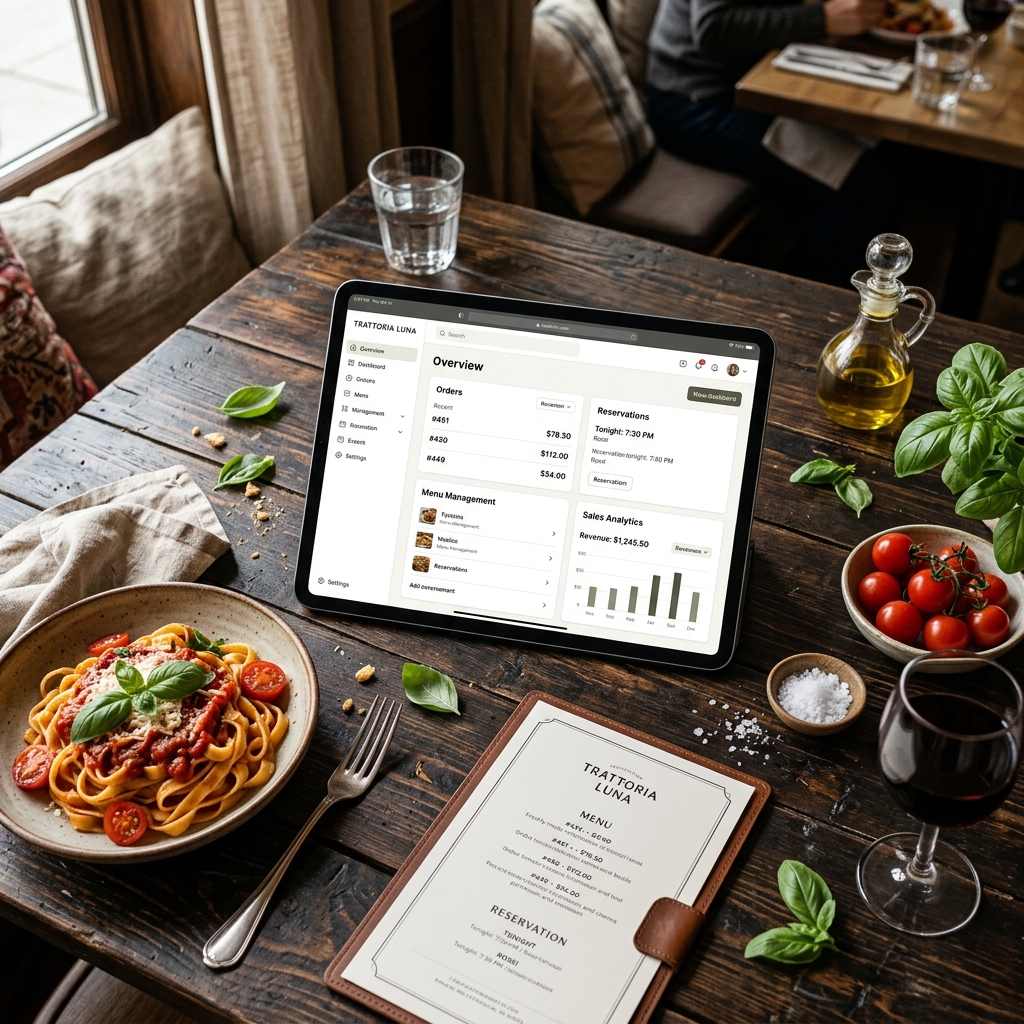
Many restaurants rely exclusively on Instagram, Facebook, or third-party booking platforms. However, owning your own website remains one of the most critical digital assets for any hospitality business.
Why Does a Restaurant Need Its Own Website?
A professional website allows you to:
- Appear on Google when customers search for restaurants in your area.
- Showcase your up-to-date menu at any time.
- Receive direct table reservations without paying third-party commissions.
- Project a professional brand image and build trust.
- Retain full control over your brand and customer experience.
The reality is that when people hear about a restaurant, the first thing they usually do is look it up on Google. If they don't find a modern, up-to-date website, they might end up booking at another establishment.
What Information Should a Restaurant Website Include?
A great restaurant website doesn't need to be complicated. It should quickly deliver the key information that hungry customers are searching for.
1. Contact & Location Information
Always include:
- Full physical address with a Google Maps link.
- Phone number.
- Email address.
- Opening hours.
The easier you make it for guests to contact you or find your location, the more likely you are to get bookings.
2. The Menu
Your menu is one of the most visited pages on your site. Make sure it is:
- Responsive and easy to read on mobile devices.
- Fully up-to-date with current pricing.
- Accompanied by high-quality photography.
Avoid uploading only a heavy PDF file, which is frustrating to read and navigate on a smartphone.
3. Online Reservations
More and more customers prefer booking online. A built-in reservation system helps you:
- Accept booking requests 24/7.
- Reduce time-consuming phone calls during busy shifts.
- Organize table seating and occupancy more efficiently.
4. Professional Photography
We eat with our eyes first. Authenticity builds far more trust than generic stock images. Showcase:
- Your dining area and cozy indoor atmosphere.
- Your outdoor patio or terrace.
- Your most popular signature dishes.
5. Your Story
Sharing your restaurant’s history and what makes your kitchen special helps you stand out from local competitors. Keep it brief, authentic, and engaging.
Mobile-First Design is Mandatory
Over 70% of restaurant website visits happen on smartphones. If your mobile experience is slow or difficult, users will leave before placing a reservation. Your website must load quickly, adapt to all screen sizes, feature large tap-friendly buttons, and make booking a table effortless.
Attracting Customers: SEO Basics
A website is only useful if people can find it. Improve your local Google visibility with these steps:
- Optimize Google Business Profile: Keep your profile up-to-date with hours, links, and photos.
- Target Local Keywords: Focus on terms like "Italian restaurant in London" or "best steakhouse in Austin".
- Publish Engaging Content: Use a blog to share seasonal menu announcements, special events, and culinary tips.
Common Mistakes to Avoid
| Mistake | Impact |
|---|---|
| Hiding prices | Frustrates visitors; many will look elsewhere if pricing is unclear. |
| Low-quality photos | Makes dishes look unappealing and hurts brand image. |
| Outdated info | Wrong hours or outdated menus damage customer trust. |
| No online booking | Every phone-call barrier is a lost customer opportunity. |
Conclusion
A modern, fast website is one of the most powerful tools to attract diners and boost direct table bookings. By integrating a digital menu, easy online reservations, and solid local SEO, you create a 24/7 customer acquisition engine for your restaurant.