

How to Appear on Google Maps and Drive Local Customers to Your Restaurant
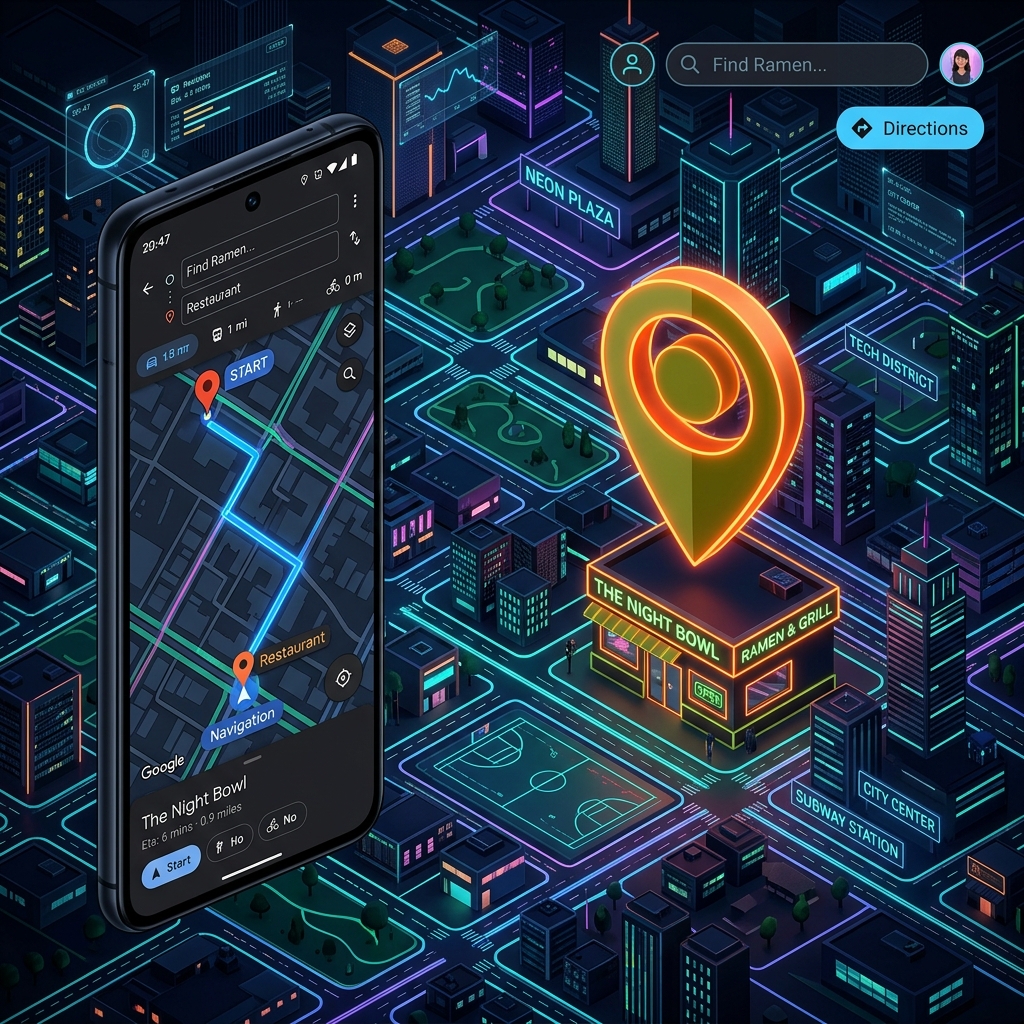
Nowadays, the majority of diners do not "discover" restaurants by walking down the street, but by searching on their mobile phones. Phrases like "restaurant near me" or "best pizza place in the area" almost always end up in the same results: those on Google Maps.
If your restaurant does not appear on Google Maps, you are losing potential customers every minute. The good news is that improving your local visibility is entirely possible with a well-applied strategy.
In this guide, you will learn the practical steps to position your restaurant on Google Maps and attract more local customers to your business.
1. Create and Optimize Your Google Profile
The first step is to have a complete and verified profile on Google Business Profile (formerly Google My Business).
Make sure to carefully complete the following information:
- Correct restaurant name (without stuffing artificial keywords).
- Exact address of the premises and precise pin location on the map.
- Up-to-date contact phone number.
- Detailed regular opening hours.
- Most suitable main and secondary categories (e.g. restaurant, pizzeria, tapas bar, etc.).
- Link to your official website and online reservation system.
The more detailed and complete your information is, the easier it will be for Google to show your business to customers searching for food in your area.
2. Use High-Quality Photos
Images are the main factor influencing the decision of a hungry diner browsing Google Maps.
Include attractive photos of:
- Your signature and most popular dishes from the menu.
- The interior of the restaurant (tables, decoration, bar).
- The terrace or outdoor areas.
- The kitchen or dining room staff at work.
- Real images (avoid stock photos as much as possible).
Restaurant profiles that regularly add attractive photos receive significantly more clicks and driving direction requests on the map.
3. Get Customer Reviews
Online reviews are the most critical factor in positioning and converting local customers.
To improve review acquisition:
- Politely ask satisfied customers for a review at the end of their visit.
- Use clearly visible QR codes on tables or printed on the bill.
- Always respond to all customer feedback professionally.
Google rewards businesses that have a high average rating, a large volume of reviews, and a steady review frequency over time.
4. Always Keep Information Updated
There is nothing more frustrating for a customer than going to a restaurant that appears as "open" on Google Maps only to find it closed. This type of error severely damages your reputation.
Regularly review and update:
- Special hours on public holidays.
- Changes in your menu dishes, prices, and allergen options.
- Special events or temporary closures for holidays or renovations.
5. Publish Updates on Your Profile
Google allows direct posts on your Google Maps listing, similar to a social network. Take advantage of this free feature to share:
- The daily or weekly menu.
- Special promotions or limited-time offers.
- Themed events or live music.
- New dishes added to the seasonal menu.
These posts tell Google that your business is highly active, which favors your local positioning.
6. Improve Your Local SEO
The ranking of your Maps listing also depends on how optimized your official website is. You can improve your local SEO by:
- Including your city and neighborhood in the title tags and text of your website (e.g., "Authentic Italian pizzeria in downtown Seattle").
- Using relevant local keywords in your blog articles.
- Acquiring external links (backlinks) from local websites, directories, or food blogs in your province.
- Maintaining exact consistency of your contact details (Name, Address, and Phone) across all your networks and Google.
7. Respond to Reviews Professionally
Actively interacting with your diners improves the business's online reputation and increases the trust of those reading about you for the first time.
- Thank positive reviews: Be polite and mention a specific aspect to personalize the response.
- Calmly handle negative reviews: Always respond politely, apologize if the service failed, stay calm, and offer a constructive solution to handle it privately.
8. Add a Direct Online Reservation System
Facilitating the booking process directly from Google Maps can drastically multiply your conversions. Connecting a booking engine to your listing allows users to secure a table with a single click instead of having to leave Maps to find a phone number, increasing conversion, improving the guest experience, and reducing disruptive phone calls during peak service hours.
9. Avoid Common Mistakes
To avoid hurting your online presence, make sure not to make these common mistakes:
- Not claiming ownership of your business profile on Google.
- Leaving incomplete or confusing information.
- Uploading only stock or low-quality photos.
- Ignoring or leaving customer reviews unanswered.
- Not updating hours on Google when opening or closing on special days.
Conclusion
Appearing prominently on Google Maps is not a matter of luck or chance, but of constant optimization and maintenance. A well-managed profile will immediately become one of your main sources of local customer acquisition at no advertising cost.
The combination of an active profile, spectacular photos, consistent positive reviews, and a steady local SEO strategy is the key to standing out from the competition in your area.
Make Your Restaurant More Visible and Secure More Bookings with Saboraa
With Saboraa, you maximize your digital presence and convert local Google Maps searches into customers sitting in your dining room:
- Online reservation integration: Receive direct, commission-free bookings from your website linked to your Google Maps profile.
- Real-time updated digital menus: Sync your interactive menu using dynamic QR codes so Google users can view your updated menu instantly.
- Centralized database (CRM): Centralize information from customers coming from Google to build loyalty through automation and campaigns.
- Smart review management: Use our tools to automatically encourage guests to leave positive feedback after their visit.
- Professional website optimized for local SEO: Enjoy a fast website designed to stand out in Google local searches.
Turn Google searches into occupied tables. Try Saboraa today and digitalize your local success.