

How to Create a QR Code Menu for Your Restaurant and Increase Sales
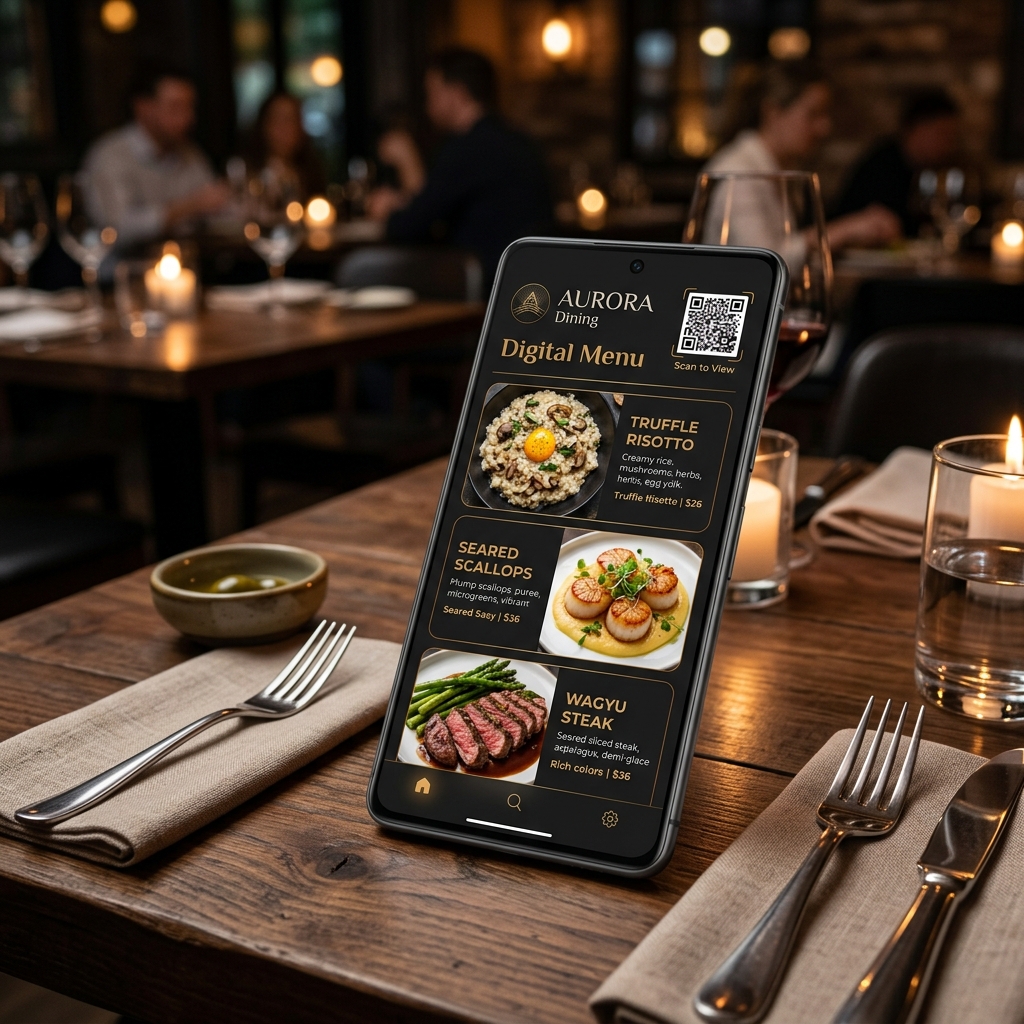
QR code menus have become a key tool in modern hospitality. What began as a practical solution during the pandemic is now a great opportunity to improve the customer experience, update the menu in real time, and increase sales.
In addition, a well-designed digital menu does not just replace paper; it can help you sell more through visual marketing strategies and sales psychology applied right within the menu itself.
In this article, you will see how to create a QR code menu for your restaurant and how to use it to increase revenue easily.
1. What is a QR Code Menu?
A QR menu is a digital version of your menu accessible via a scan code from the diner's mobile phone. The customer only needs to:
- Open their mobile phone camera.
- Scan the QR code placed on the table.
- View the menu directly in their web browser.
This system does not require installing additional applications or registration for the guest, ensuring instant access.
2. Advantages of a QR Code Menu
- Real-time update: You can change prices, dishes, ingredients, or product availability instantly without having to reprint anything.
- Cost reduction: Eliminates the constant printing of physical menus on paper or cardboard every time you change the offer.
- Improved user experience: The customer accesses all gastronomic options of the restaurant quickly and autonomously from their own mobile phone.
- Greater hygiene and comfort: Especially valued in modern and demanding dining environments.
3. How to Create a QR Code Menu Step-by-Step
Step 1: Digitalize Your Menu
Convert your physical menu into a digital format structured by logical categories. Organize your dishes clearly:
- Starters and appetizers
- Main courses
- Desserts and sweets
- Drinks and wine list
Include detailed descriptions, allergen warnings, and ingredients in a clear and attractive way.
Step 2: Add Quality Photos
Images decisively influence what the customer will order. Make sure to include:
- Real dishes, well-lit and professionally presented.
- Photos taken at your own restaurant (avoid generic stock photos).
Step 3: Use a Digital Menu Platform
You can use standalone tools or, preferably, an integrated system in your reservation and management platform. The key is to be able to edit the menu easily, manage languages, and organize categories dynamically.
Step 4: Generate the QR Code
Once you have the menu published online, generate a unique QR code associated with your digital menu's URL. Download it in high quality and vector format for printing.
Step 5: Place the QR in Your Restaurant
Place the code in highly visible strategic zones so the customer can scan it comfortably as soon as they sit down:
- Stickers or stands on the tables.
- At the entrance of the venue or window display.
- On physical courtesy menus.
- On the bar or order counter.
4. How a QR Code Menu Can Increase Sales
An interactive digital menu is a powerful marketing channel that you can leverage to increase your average ticket:
- Highlight more profitable dishes: Highlight your star dishes, chef recommendations, or special menus with eye-catching badges to guide customer choices toward options with higher profit margins.
- Add photos that sell: A spectacular photo of a dessert or cocktail placed in the right spot on the digital menu dramatically increases its demand.
- Use persuasive descriptions: Instead of just listing ingredients, describe the texture, cooking method, product quality, and origin of the food to stimulate the diner's appetite.
- Promote combinations and cross-selling: Use calls to action like "Combine it with our recommended drink", "Try the suggested pairing" or "Full menu with dessert for only..." to encourage additional orders.
5. Personalize the Customer Experience
The digital format allows for a flexibility that paper does not have. Adapt the experience according to the customer profile:
- Multi-language: Automatically show the menu in the tourist's language based on their phone settings.
- Seasonality: Change the menu instantly depending on the season of the year (Christmas menus, fresh summer dishes).
- Quick filters: Allow filtering vegetarian, vegan, gluten-free dishes, or according to declared allergens.
6. Integrate the QR Menu with Other Management Systems
The greatest value of a QR menu is achieved when it is directly connected to your reservation engine, customer CRM, kitchen order system, or online table payments. This streamlines operations, reduces customer waiting times, and optimizes table turnover.
7. Common Mistakes to Avoid
- Poorly organized menus in heavy PDF files that are difficult to read on mobile.
- Lack of images or low-quality photos.
- Boring or scarce descriptions.
- Outdated prices compared to the billing system.
- Not optimizing the menu for quick loading with mobile data.
8. Indispensable Best Practices
- Keep the visual design simple, clean, and elegant.
- Structure well-defined categories that are easy to navigate.
- Optimize loading speed so it loads in under 2 seconds.
- Update the menu regularly.
- Subtly highlight the most profitable options.
Conclusion
Creating a QR menu is not just about digitalizing your paper menu. It is a major strategic opportunity to improve the diner's experience, streamline front-of-house operations, and measurably increase your restaurant's billing.
Digitalize Your Menu and Increase Your Sales with Saboraa
With Saboraa, you can create and manage interactive QR menus easily and professionally from a single platform:
- Interactive digital menus: Easy to edit and update in real time from your control panel.
- Custom dynamic QR codes: Generate high-resolution QR codes with your restaurant's design and brand.
- Integrated multimedia management: Upload high-quality photos and add attractive descriptions for each dish on the menu.
- Automatic language detection: Translate your menu and offer it automatically in your international guests' preferred language.
Turn your menu into a smart sales tool. Try Saboraa today and revolutionize your menu.