

How to Increase Clicks from Google Search Results
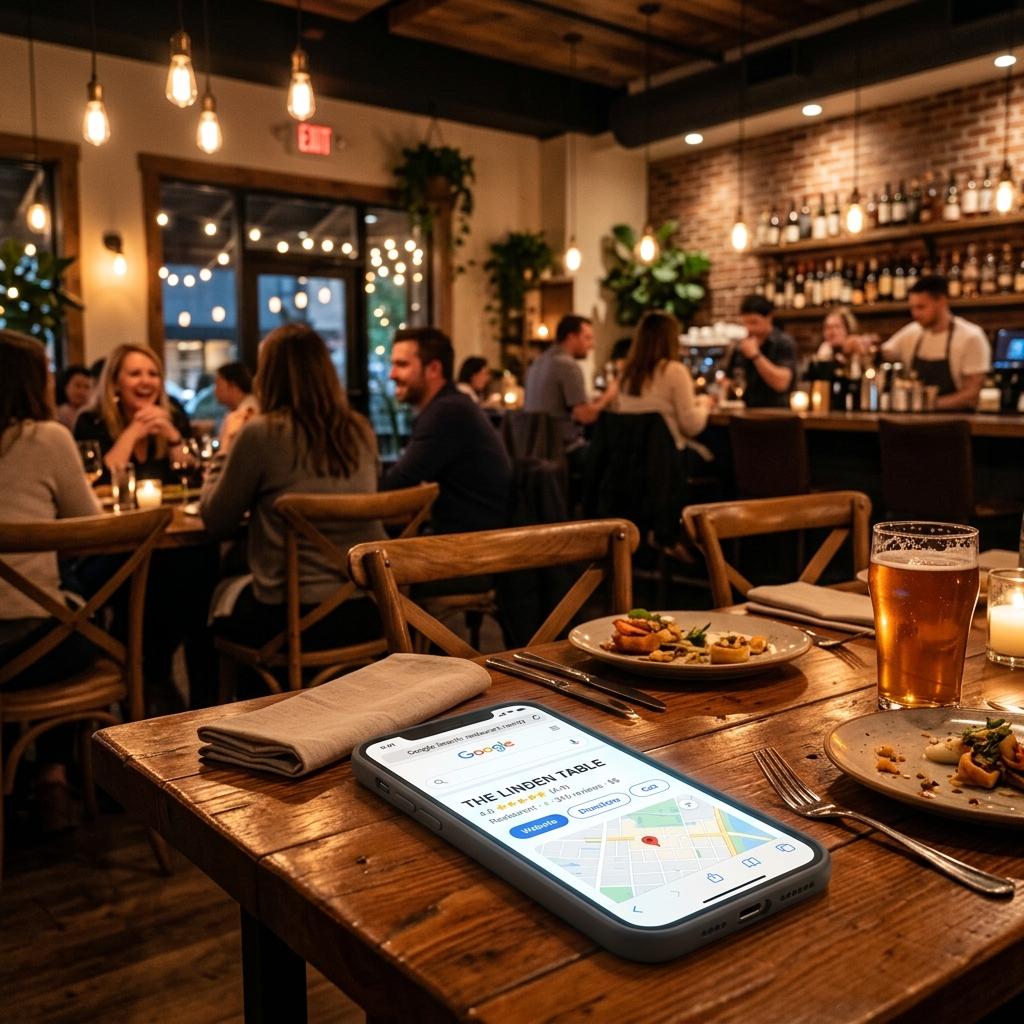
You open your laptop, search for your restaurant, and there it is. Your name is on the screen. Maybe you even show up in the top three results on the map. But then you look at your reservation book for tonight, and it is empty. The phone is not ringing, and the dining room is still quiet at 7:00 PM.
This is the visibility trap. Many owners think that showing up in search results is the ultimate goal. It is not. Showing up only gets you seen. If searchers do not actually click on your link or your phone number, your listing is just digital wallpaper. You want to turn those casual searchers into paying guests sitting at your tables. To do that, you need to understand how to increase clicks from Google search results.
Diners are impatient. They make decisions in seconds, comparing your listing with three others on their phone. How do you make sure they click on your restaurant instead of your competitors down the street?
Make Your Meta Description Work Like a Table Tent
Your meta description is the two lines of text that appear under your website name in Google search results. Most restaurants let Google generate this text automatically. The result is usually a broken sentence that lists random menu items or legal notices. That is a wasted opportunity. Think of your meta description as a table tent on the sidewalk. It needs to tell people exactly what you serve and why they should walk in.
Let's look at a common mistake. A local Italian restaurant might have a description like this: "Welcome to Mario's. We are open Tuesday through Sunday. We serve pasta, pizza, salad, and wine. Contact us for private parties." It is boring, generic, and gives the searcher no real reason to click.
Now, look at how we can rewrite it to increase clicks from Google search results: "Craving handmade pasta in downtown Portland? Taste our signature wood-fired lasagna and hand-rolled gnocchi. Book your table online for patio dining tonight."
Why does this work? It starts with a question that addresses a specific craving. It names the neighborhood, so the searcher knows it is close. It highlights specific dishes that sound delicious, and it ends with a clear call to action: book a table tonight. You have 155 characters to make this pitch. Keep it punchy, appetizing, and direct.
Own the "Reserve a Table" Button on Google Business Profile
When people search for your restaurant by name, your Google Business Profile dominates the right side of the screen. For most local searches, this profile is the first thing people interact with. The most valuable piece of real estate on this profile is the "Reserve a Table" button. If you do not set this up correctly, you will lose clicks and, worse, you will lose revenue.
If you use a third-party booking platform like OpenTable or Resy, they will automatically place their link on your profile. The problem? When a customer clicks that link, the platform often charges you a fee per cover. Even if the customer searched for your restaurant by name, you are paying a commission for a guest you already won. In some cases, these platforms will even display ads for other restaurants on the reservation confirmation page, stealing your guest at the last second.
You can regain control by using a direct reservation system. Link the reservation button on your Google profile directly to the booking form on your own website. This keeps the booking process fee-free and ensures that the searcher stays focused on your brand. It is a simple change that takes ten minutes to configure in your Google Business Profile settings, but it can save you thousands of dollars in booking fees every year while increasing direct clicks.
Use Review Velocity and Recency as a Trust Signal
Every restaurant owner knows that reviews are important. A 4.8-star rating looks better than a 4.2-star rating. But did you know that Google searchers care almost as much about how fresh your reviews are? If your latest review is from six months ago, searchers will wonder if your standards have slipped, if the chef has changed, or if you are even still open.
We call this review velocity: the rate at which you acquire new reviews. A steady stream of fresh reviews is a massive trust signal. It tells searchers that people are eating at your tables today, and they are loving it. It also signals to Google's algorithm that your business is active, which helps maintain your ranking in local searches.
How do you get a continuous flow of reviews without annoying your guests? You make it part of your service routine. Train your staff to ask for feedback at the right moment. Do not ask when they are paying the bill; ask when they are finishing their favorite dish. Say something like, "Our kitchen team loves hearing feedback. If you enjoyed the sea bass tonight, would you mind sharing a quick review on Google? It really helps our local business." Put a small, elegant card with a QR code directly on the check presenter. The shorter the distance between the guest and your review page, the more reviews you will collect.
Replace PDF Menus with HTML Text Pages
Imagine a hungry searcher sitting on a bus, looking for a place to eat lunch. They click on your menu link, and their phone starts downloading a 15-megabyte PDF file. The download takes 30 seconds. When it finally opens, the text is so small they have to pinch and zoom constantly just to read the prices. Frustrated, they close the file and go back to Google. You just lost a customer.
PDF menus are a major barrier to clicks and conversions. They are slow to load, difficult to read on mobile devices, and invisible to Google's search crawlers. If your menu is locked inside a PDF, Google cannot read your dishes. When someone searches for "gluten-free eggplant parmesan near me," your website will not show up because Google does not index the text inside your image-heavy PDF files.
The solution is simple: create an interactive, responsive HTML menu page on your website. The text should be real, selectable web text that adapts to any screen size. It loads instantly, it is easy to read, and it allows Google to index every single ingredient you use. This simple shift not only improves the user experience but also increases your visibility for specific, long-tail dish searches in your area.
Update Your Photos Weekly to Capture Visual Searchers
Google is becoming increasingly visual. When users search for restaurants on their mobile phones, Google often displays a grid of photos taken directly from Google Business Profiles and customer reviews. If your profile only has three blurry photos of your dining room taken on an old phone five years ago, you are losing the visual battle.
You do not need a professional photographer to take good photos. Modern smartphones are more than capable of capturing high-quality images. The key is natural light and action. Take a photo of a sizzling steak just as it leaves the kitchen. Capture the steam rising from a bowl of hot soup. Take a picture of your bartender shaking a colorful cocktail. Shoot these photos near a window during daylight hours to avoid harsh shadows and yellow lighting.
Upload new photos to your Google Business Profile at least once a week. This shows searchers that your menu is fresh, and it keeps your listing active in Google's eyes. When searchers scroll through local listings, a vibrant, appetizing photo of a dish they can order right now is often the single factor that convinces them to click.
Leverage Schema Markup for Rich Snippets
Have you ever noticed how some search results look more detailed than others? They might show star ratings, price ranges, or opening hours directly on the Google search page. These are called rich snippets, and they are generated using schema markup.
Schema markup is a specific code you add to your website that helps search engines understand your data. For restaurants, you can use schema to tell Google exactly what your rating is, what price level you are, and what dishes you serve. When Google understands this data, it can display it directly in search results. A listing that displays a 4.9-star rating and opening hours directly in the search results will always get more clicks than a plain, text-only link. It makes your search result look larger, more authoritative, and more trustworthy.
The Map Pack Battle: Ranking vs. Clicking
Appearing in the local map pack (the top three local listings Google displays at the top of search results) is huge. But many owners don't realize that the map pack is highly competitive. Customers looking at the map pack will see three choices side by side. They compare your business with two others. If one restaurant has 1,200 reviews and a 4.7 rating, another has 40 reviews and a 4.1 rating, and yours has 150 reviews and a 4.6 rating, the choice isn't automatic. They will look at the photos, the distance, and the primary tags.
You can win this comparison by ensuring your primary business category is highly accurate. If you are a specialized pizza shop, do not list your primary category as "Restaurant." Use "Pizza restaurant" or "Pizza delivery." This small classification detail signals to Google that you are a highly relevant match for specific searches. It also displays a more descriptive tag to the user, increasing the likelihood that they click your listing over a generic restaurant listing.
Optimizing for Voice Search and Conversational Queries
People search differently when they speak into their phones. Instead of typing "sushi downtown," they say, "Hey Google, where is a good sushi restaurant open now near me?" These conversational queries are much longer and more natural. If your website text is written in a formal, robotic way, you will miss out on these clicks.
Write your website content in a way that answers these natural questions. Include a Frequently Asked Questions section on your website. Use questions like, "Do you have outdoor seating?" or "What are your vegetarian options?" as headings, and answer them directly in the text. By matching the conversational style of voice searches, you position your website to capture these high-intent clicks.
How to Deal with Negative Reviews to Protect Your Clicks
A single bad review will not ruin your business. In fact, a profile with a perfect 5.0 rating and 300 reviews often looks suspicious to modern diners. They assume the reviews are fake. A rating between 4.5 and 4.9 is actually the sweet spot for maximizing clicks. However, how you respond to negative reviews is critical.
When a guest leaves a one-star review complaining about cold soup, do not get defensive. Do not write a long paragraph explaining how busy the kitchen was. Instead, respond politely and professionally: "Thank you for the feedback. We take food temperature seriously, and we want to make this right. Please contact our manager at manager@email.com so we can invite you back for a better experience." Other searchers reading this response will see that you care about your guests and take feedback seriously. This turns a negative review into a trust-building asset, protecting your click-through rate.