

How to Write the Perfect Restaurant Description for Google
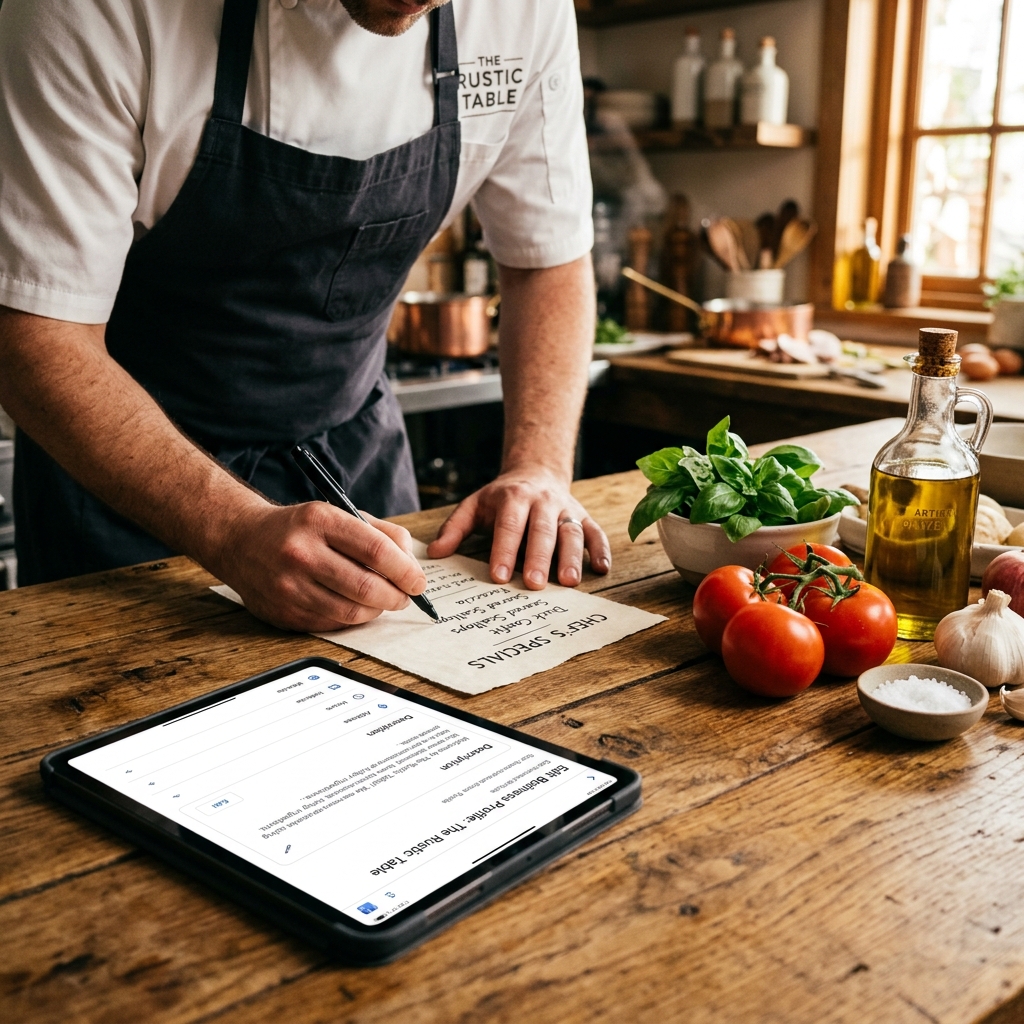
You have 750 characters to convince a hungry customer to book a table at your restaurant instead of your competitor's. That is the limit Google places on your Google Business Profile description. Yet, if you look at most restaurant listings in your city, you will see the same lazy, wasted text: "Family-owned Italian restaurant serving fresh food since 1998. We offer lunch and dinner. Come visit us today."
This is a major marketing error. Those 750 characters are a free billboard on the busiest street in the world. Treating them as an afterthought is like leaving your restaurant's front door unpainted and covered in old flyers. To stand out, you need to understand how to write the perfect restaurant description for Google.
A great description does not just describe your business. It hooks the reader, establishes your culinary identity, incorporates high-intent keywords naturally, and tells the guest exactly what to do next. Let's look at how to build a description that turns casual searchers into confirmed reservations.
The Ground Rules of the 750-Character Limit
Before you start writing, you need to understand the constraints Google imposes. You have 750 characters in total, which is roughly 100 to 120 words. This includes spaces and punctuation. Google also has strict policies: you cannot include phone numbers, website links, email addresses, or promotions like "20% off all dinners this week" inside the description box. Google has specific fields for those things. If you try to slip them into your description, Google's automated review system will likely reject your text, leaving your profile blank.
The most critical rule is the cutoff. While you have 750 characters, Google only displays the first 250 characters before adding a "More" link. If your description starts with a long story about your grandfather's journey from Italy, the searcher will never see what kind of food you actually serve unless they click that link. You must put your most important, appetizing, and relevant information in the first two sentences.
Find Your Unique Culinary Anchor
To write a description that attracts customers, you must avoid generic buzzwords. Words like "delicious," "authentic," "fresh," and "friendly" are useless. Every restaurant claims to have fresh food and friendly service. Diners ignore these words because they carry no real information.
Instead, focus on specificity. What is the one thing your kitchen does better than anyone else in your neighborhood? We call this your culinary anchor. If you are a Mexican spot, do not just write "authentic Mexican food." Instead, write: "Slow-roasted pork carnitas simmered in citrus and spices, served with corn tortillas hand-pressed in our kitchen every morning." This paints a vivid picture. The reader can practically taste the pork and smell the warm tortillas. Specificity builds craving, and craving drives clicks.
Integrate High-Intent Keywords Naturally
Your description is a tool for search engines as well as humans. Google's algorithm reads your description to understand what your restaurant offers and when to show your profile in search results. To help Google match your restaurant with relevant searches, you should include high-intent keywords.
High-intent keywords are search terms that indicate a customer is ready to buy. Examples include "outdoor seating," "gluten-free options," "kid-friendly restaurant," or "best brunch." Think about what your ideal customers are searching for. If your restaurant has a beautiful garden patio, do not just describe your interior. Write: "Enjoy handmade cocktails on our dog-friendly garden patio, perfect for weekend brunch or date-night dinners." By including "dog-friendly garden patio" and "weekend brunch," you ensure that Google knows to show your profile when someone searches for those specific features in your city.
Create a Direct Call to Action
Every marketing text needs a goal. The goal of your restaurant description is to get the searcher to take the next step. Do not leave them guessing. Tell them exactly what action to take.
If you want them to book a table, end your description with: "Reservations recommended. Book your table online today." If you focus on takeout and delivery, end with: "Order online directly from our website for fast pickup and hot delivery." A clear call to action guides the user's behavior. When they finish reading your description, their eyes should naturally drift to the booking link or phone number on your profile.
Common Mistakes to Avoid on Your Profile
Over the years, I have seen many restaurants make the same errors that hurt their conversions. First, do not write in ALL CAPS. It looks like you are shouting at your customers. Second, do not use excessive exclamation points. A single exclamation point is fine, but five of them makes you look unprofessional. Third, do not list your entire menu. Your description is not a menu page. It is an introduction.
Another common mistake is trying to be too clever. Avoid obscure jokes, inside stories, or overly poetic language. A searcher looking for dinner wants to know three basic things: what you serve, where you are located, and what the vibe is. Keep your writing clear, direct, and focused on the customer's needs.
Real-World Examples: The Bad vs. The Perfect
Let's look at how to apply these rules to a real restaurant scenario. Imagine a local taco spot called El Camino. Here is a typical, poorly written description: "EL CAMINO TACO SHOP!!! We are the best Mexican restaurant in town! We use the freshest ingredients and have authentic recipes from Guadalajara. We offer tacos, burritos, quesadillas, margaritas, and more. Come celebrate your birthday with us! Open late."
This description is shouting, uses generic buzzwords, has zero culinary anchor, and wastes character space on information that is already listed elsewhere on the profile (like being open late). Now, let's rewrite it using our rules to create a perfect description: "Craving real wood-fired tacos in downtown Denver? At El Camino, we serve traditional birria beef tacos slow-braised for six hours, paired with hand-pressed corn tortillas and house-made salsas. Relax on our sunny outdoor patio with a fresh-lime margarita. Walk-ins welcome, or book your table online."
This rewritten version is exactly 320 characters. The first 150 characters establish the location (Denver), the cuisine (birria beef tacos), and a specific craving. It highlights a unique selling point (six-hour braised beef and hand-pressed tortillas) and mentions a key search feature (sunny outdoor patio). It ends with a clear call to action. It is professional, descriptive, and highly effective at converting searchers into reservations.
Your Action Plan: The 15-Minute Rewrite
Writing a great description does not take hours. You can easily do it during a service prep hour. Follow this simple process:
- Step 1: Write down your three best-selling dishes and what makes them unique.
- Step 2: List three search features your restaurant offers (like patio seating, vegan options, or private dining).
- Step 3: Combine these elements into three short sentences. Put the most important information first.
- Step 4: Check your character count. Ensure it is under 750 characters.
- Step 5: Copy and paste it into your Google Business Profile dashboard.
This simple update will make your profile stand out, improve your search visibility, and convince more searchers to click that reserve button. Do not let your digital storefront remain neglected. Take fifteen minutes and paint your front door.